
What this message is (and isn't)
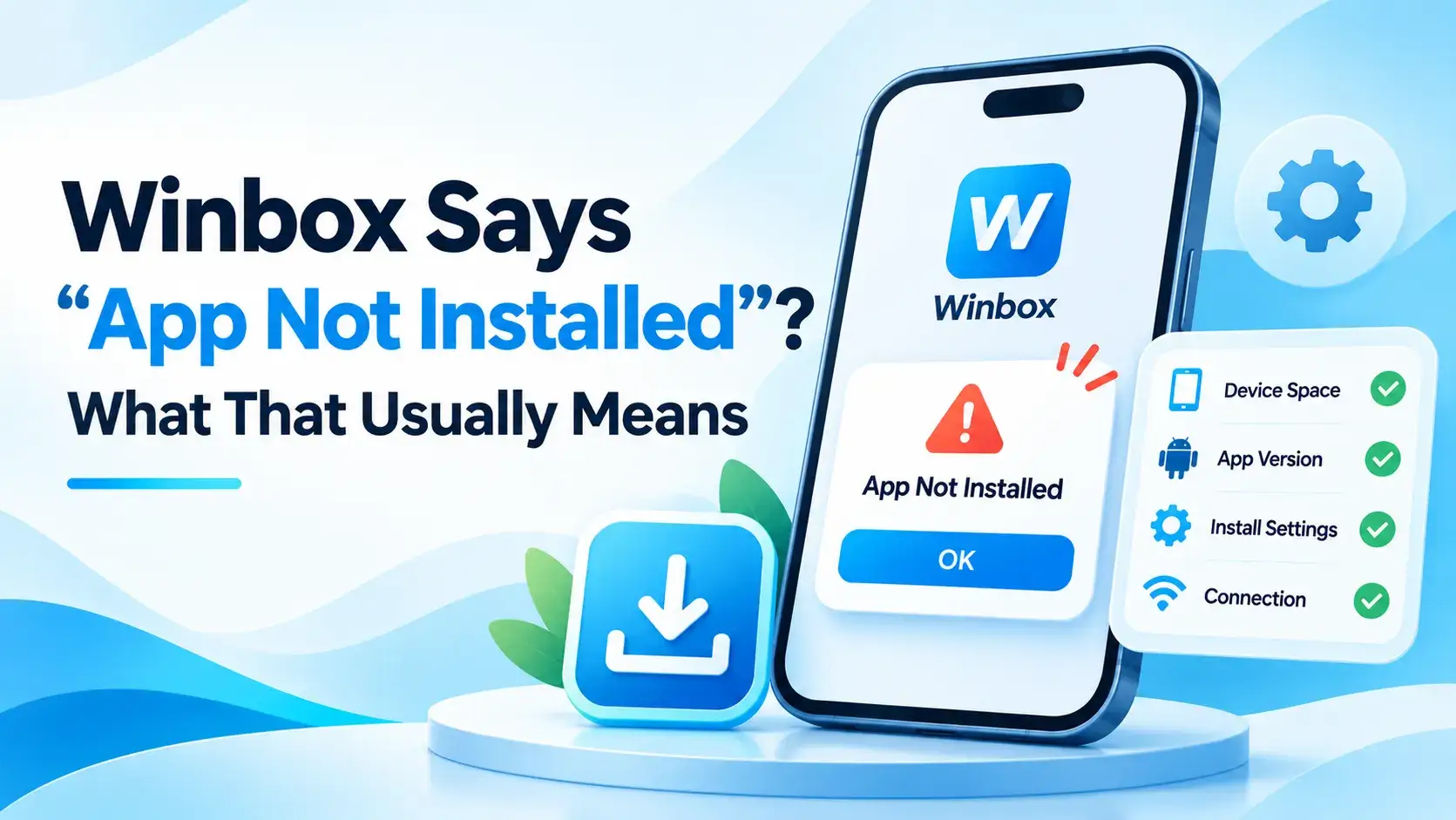
"App not installed" means Android started the install and then stopped partway through, rather than refusing to even begin. That's a mechanical failure, not a judgment about the file's content.
It's also a different question from whether the file is trustworthy in the first place, which this site covers on its own, separate from install mechanics.
Why this message commonly appears, in general
Across Android broadly, a handful of patterns commonly produce this exact message: not enough free storage space to complete the install, a downloaded file that's incomplete or got corrupted partway through, a version already on the device that conflicts with the one being installed, or a security setting blocking installs from outside the Play Store.
Free up some storage first
Low storage is one of the simplest things to rule out, and it's worth doing before anything else. Checking available space in the device's own storage settings takes a moment, and freeing some up if it's running low is a general fix that applies to any app, not just this one.
An older version can block a new install
Android can refuse to install over a version it sees as a conflict, often because of how the two versions are signed. This is general Android behaviour, not something specific to Winbox.
Uninstalling whatever version is currently on the device, then installing the new file fresh, is the usual general fix for this specific pattern. It also means losing nothing in particular, since the account itself lives on the server, not on the device.
Try a fresh copy of the file
A download that got interrupted partway through, or a copy that's been sitting around for a while, can be incomplete without looking any different in a file browser.
Getting a fresh copy from the Winbox APK download page rules that out cleanly, rather than troubleshooting a file that might already be the problem.
This isn't the same question as whether it's safe
An install failing partway through says nothing about whether the file is trustworthy — it's a mechanical outcome, not a safety verdict either way.
The separate question of what's actually worth checking before installing any APK is covered on its own. Is the Winbox APK Safe? What to Check Before You Install goes through that side of it.
Been through all of this and still stuck?
Some install problems turn out to be connection issues rather than anything about the file or the device's storage.
The wider checklist for that sits elsewhere on this site. Winbox Not Working? What to Check First covers it in more general terms, beyond just installing.
You don't have to wait on this to sign in
Sorting out an install issue doesn't have to block getting into the account at all, since the browser reaches the same place.
The Winbox H5 login works through a browser instead, with nothing to install at all.
Don't have an account yet?
An install problem only gets in the way if there's already an account to sign into.
If there isn't one yet, registering for Winbox is a separate step from anything about installing the app.
What this article is based on
The general causes described here are well-established Android knowledge about why this exact message commonly appears, not something specific to Winbox. The redownload step reuses this site's own download page. Nothing about Winbox's specific storage, version or file requirements is described, because this site hasn't verified it.
Where to go next
Once the app is installed, or you've decided the browser suits you better for now, there's more to look at beyond this one issue.
Winbox MY covers game categories, tutorials, and the rest of this site's guides.
Quick questions
Does "App not installed" mean the Winbox APK is unsafe?
No. It's a general Android message about the install process itself, not a judgment about the file's content. Whether a file is worth trusting in the first place is a separate question.
What usually causes this message?
Across Android broadly, common causes include low storage space, an incomplete download, a conflict with an older version already installed, or a blocked install setting.
Do I need to uninstall the old version first?
If an older version is already on the device, that's a common reason a new install gets blocked, and removing it first is the usual general fix.
Does this site know Winbox's minimum storage or Android version?
No. That hasn't been confirmed here, so this article doesn't guess at a specific number.
Can I just use the browser instead while I sort this out?
Yes. The browser (H5) route reaches the same account without installing anything.